Knowledge Library

Driver topics made easy to understand

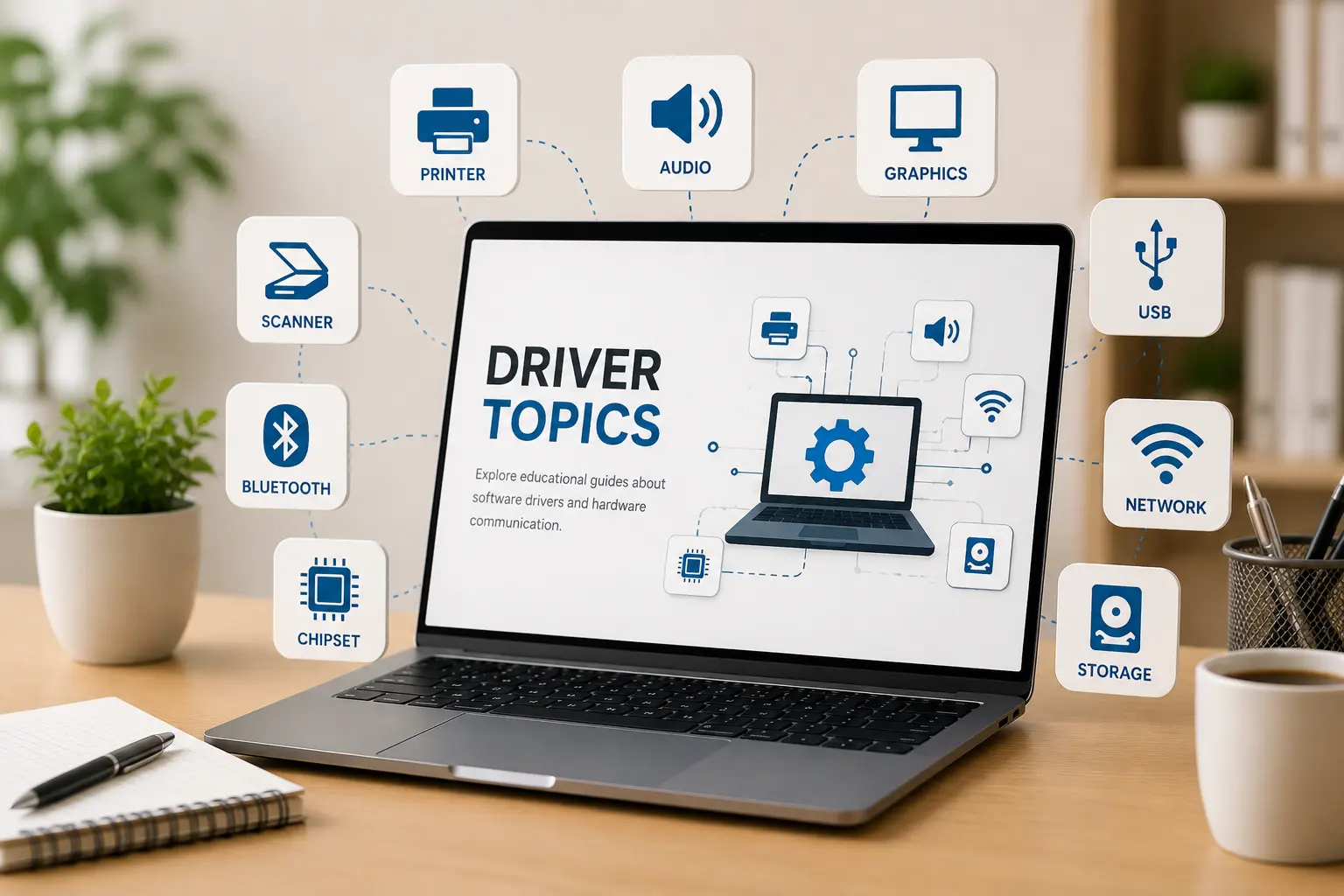
Browse clear educational guides about software drivers and how printers, audio devices, graphics, USB, network, Bluetooth, chipset, storage and other hardware work with your computer.

Driver learning topics

Driver topics

14+ Guides

Learning Topics

14+

Driver categories explained in simple words.

Guide Format

Easy

Simple topic flow for beginner learning.

Driver Basics

Clear

Understand hardware and operating system communication.

Learning Guide Categories

Guides that explain what to check and what it means.

Explore five focused learning areas for printers, routers, email, PC performance, and Win update topics.

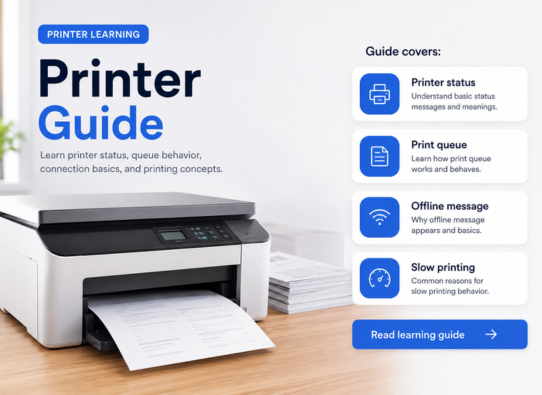
Printer Learning
Printer Guide

Printer Learning

Learn printer status, queue behavior, connection basics, and printing concepts.

Guide covers:

Printer status Print queue Offline message Slow printing
Read learning guide
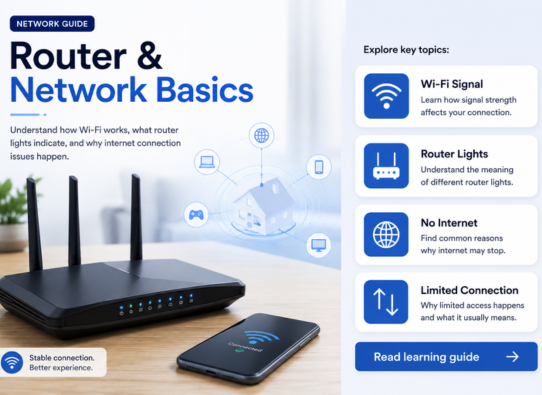
Router & Network Basics
Network Guide

Router & Network Basics

Understand Wi-Fi behavior, router settings, network drops, and connection basics.

Guide covers:

Wi-Fi signal Router lights No internet Limited connection
Read learning guide
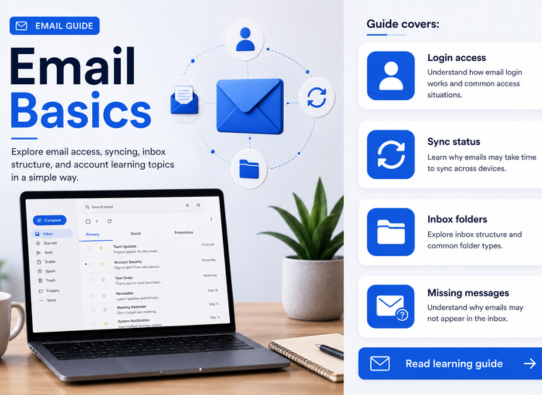
Email Basics
Email Guide

Email Basics

Explore email access, syncing, inbox structure, and account learning topics.

Guide covers:

Login access Sync status Inbox folders Missing messages
Read learning guide
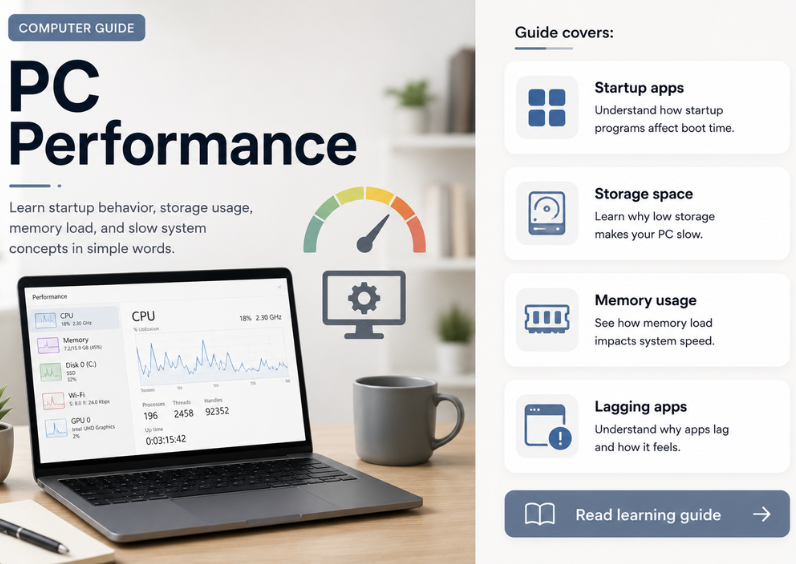
PC Performance
Computer Guide

PC Performance

Learn startup behavior, storage usage, memory load, and slow system concepts.

Guide covers:

Startup apps Storage space Memory usage Lagging apps
Read learning guide
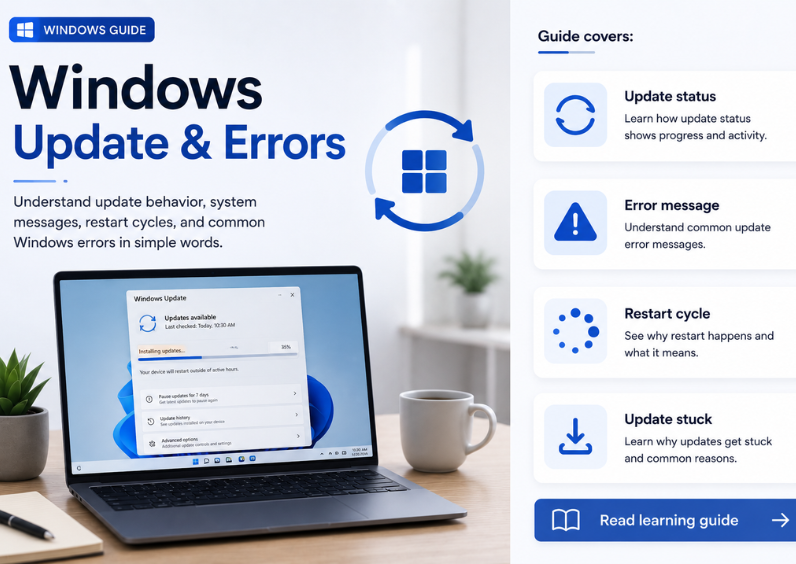
Win Update & Errors
Win Guide

Win Update & Errors

Understand update behavior, system messages, restart cycles, and error basics.

Guide covers:

Update status Error message Restart cycle Update stuck
Read learning guide

Topic Preview

Explore common driver areas

Learn what different driver categories do and how they support computer hardware communication.

01

Device Output

Printer, audio, scanner, webcam, and display-related learning topics.

02

Connectivity

WiFi, Ethernet, Bluetooth, USB, and connected device communication basics.

03

System Hardware

Chipset, storage, BIOS, UEFI, and motherboard-level driver concepts.

04

Input Devices

Keyboard, touchpad, mouse input, gestures, and basic control behavior.

Learning Path

Understand drivers step by step

01

Choose Topic

Select a driver category such as printer, audio, USB, Bluetooth, chipset or storage.

02

Read Concepts

Learn the meaning, purpose, and role of that driver in simple language.

03

Understand Role

See how hardware devices and operating systems communicate through driver software.

04

Explore More

Move to related driver topics and build your understanding step by step.

Continue Learning

Ready to explore driver learning topics?

Explore more educational articles about drivers, devices, and computer hardware communication.